Adding Notification Preferences
The Manage Notification Preferences screen allow you to add a notification preference to an account.
To add a notification preference:
-
Go to the More Menu > Account Settings > Account Notification Preferences.
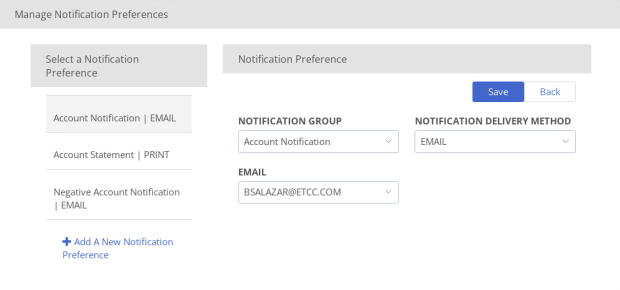
-
Click Add a New Notification Preference.
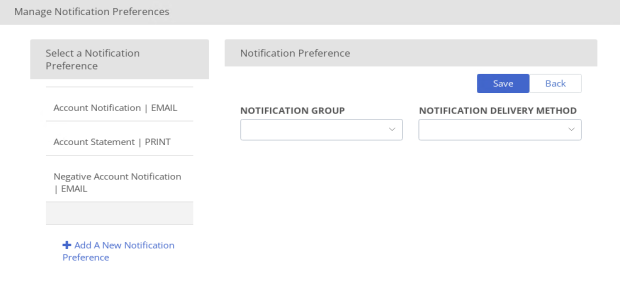
-
-
Notification Group
-
Notification Delivery Method
-
-
Click Save.